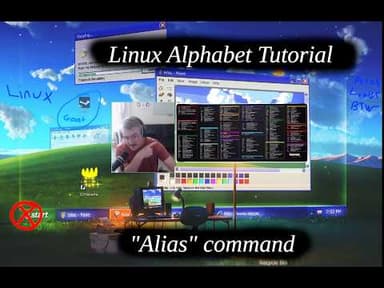
Linux Alphabet Commands Tutorial: Understanding and Using the Alias Command
Telep13:36Open on YouTube ↗
AI summary of “Linux Alphabet Commands Tutorial: Understanding and Using the Alias Command” by Telep, generated by Sumvid.
Title
Linux Alphabet Commands Tutorial: Understanding and Using the Alias Command
One-Sentence Summary
This tutorial explains how to create, use, and manage aliases in Linux—shortcuts that allow users to run lengthy commands by typing shorter variable names instead.
Key Takeaways
- [0:31] The
aliascommand allows you to create shortcuts for long commands by defining a variable that executes a specific command when typed, saving time and effort in terminal operations
- [2:04] Aliases are stored in configuration files like
.bashrcor.zshrcand are automatically loaded when opening a new terminal session, making them persistent across uses
- [3:38] There are two types of aliases: local aliases (created during a terminal session and lost when closed) and global/persistent aliases (added to
.bashrcfor use across all sessions)
- [4:42] You can create a local alias using the syntax
alias name=command(e.g.,alias tcd='cd ../../../'), and remove it with theunaliascommand
- [8:23] For permanent aliases across multiple sessions, you must edit the
.bashrcfile directly using a text editor, adding alias commands that will execute automatically on startup
- [11:31] After editing
.bashrc, you must either close and reopen the terminal or runsource ~/.bashrcto reload the configuration file and activate new aliases in the current session
- [6:18] Practical use cases include creating aliases for frequently-used SSH connections to VPS servers, common command patterns, and complex commands you don't want to memorize or repeatedly type
Suggested Category Tags
More from Telep
Linux Alphabet Command Guide: Exploring the 'at' Scheduler and 'aspell' Spell Checker
Linux Alphabet Command Tutorials: The Ampersand (&) Operator
Alphabet Linux Tutorial: Understanding the `apropos` Command and Manual Pages
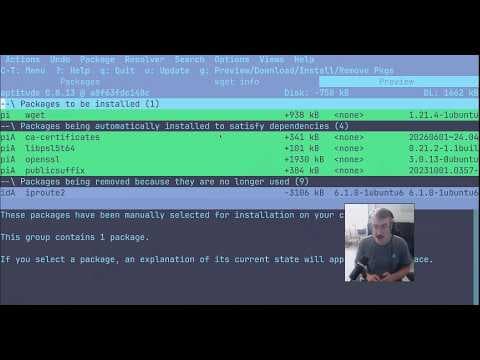
Linux Package Management Tools: A Complete Guide to APT, APT-GET, APT-CACHE, and APTITUDE

Linux Terminal Basics: A Beginner's Guide to File Navigation and Management