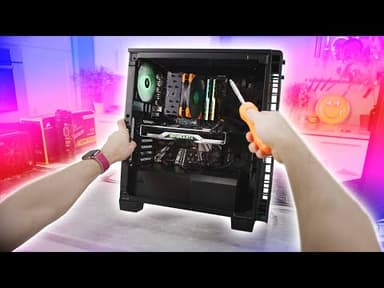
Complete PC Build Guide: Intel Core i7-9700K Gaming Build with POV Camera Experience
Linus Tech TipsAI summary of “Complete PC Build Guide: Intel Core i7-9700K Gaming Build with POV Camera Experience” by Linus Tech Tips, generated by Sumvid.
Title
Complete PC Build Guide: Intel Core i7-9700K Gaming Build with POV Camera Experience
One-Sentence Summary
A comprehensive step-by-step guide to building a high-performance Intel-based gaming PC, covering everything from workstation setup and CPU installation through final testing, presented in an immersive first-person perspective.
Key Takeaways
- [0:00] Proper preparation is essential: set up a clean, static-safe workspace with an anti-static mat, grounding strap, and all necessary tools including screwdrivers, thermal compound, and cable ties
- [2:04] CPU installation requires careful alignment of the golden triangle marker with the socket corner and gentle placement without forcing—overconfidence in perfect placement is less important than ensuring proper seating
- [4:06] RAM installation demands checking the notch position carefully before inserting, then pushing firmly from both sides until you hear clicks, and M.2 SSD installation follows similar principles to laptop memory with angled insertion and hand-tight screw pressure
- [6:40] Thermal paste application should cover the entire IHS (integrated heat spreader) without excessive spillage, and cooler mounting pressure is controlled through proper spacer selection and balanced screw tightening rather than maximum force
- [14:55] Pre-plan cable routing before motherboard installation by identifying fan and USB header locations, and consider airflow configuration (front-to-back vs. bottom-exhaust) before finalizing cooler and fan orientation
- [19:32] Motherboard installation requires verifying correct standoff placement to avoid short circuits, handling the board by edges or secure points like the CPU cooler, and using the angled insertion technique to clear I/O tabs safely
- [35:04] Final testing should verify BIOS recognition of all components (CPU, RAM), check that XMP profiles load correctly, install drivers from manufacturers' official websites, and run stress tests like Cinebench to confirm proper thermal and performance behavior
Suggested Category Tags
More from Linus Tech Tips

The Dash Cam Paradox: Why Even Expensive Models Fail to Deliver
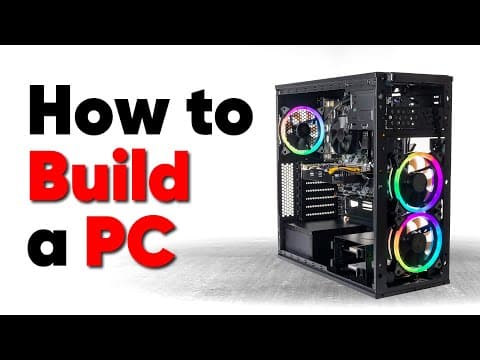
The Complete Guide to Building a PC: From Component Selection to Final Assembly
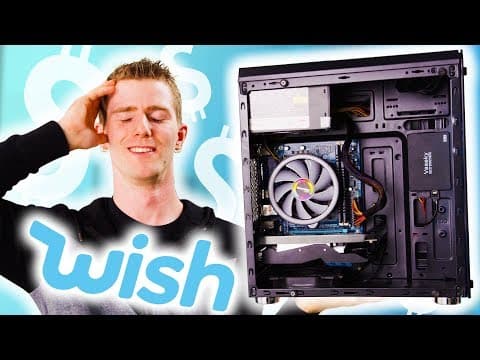
Building a Gaming PC from Wish.com: A Cautionary Tale of Counterfeit Components and False Advertising

Linux Gaming Distributions Benchmarked: Which Distro Should You Choose?